
How to Track Your Handwritten Postcard Order
Track your handwritten postcard order through payment, production, completion, and shipping in the Handwrite dashboard or by email.
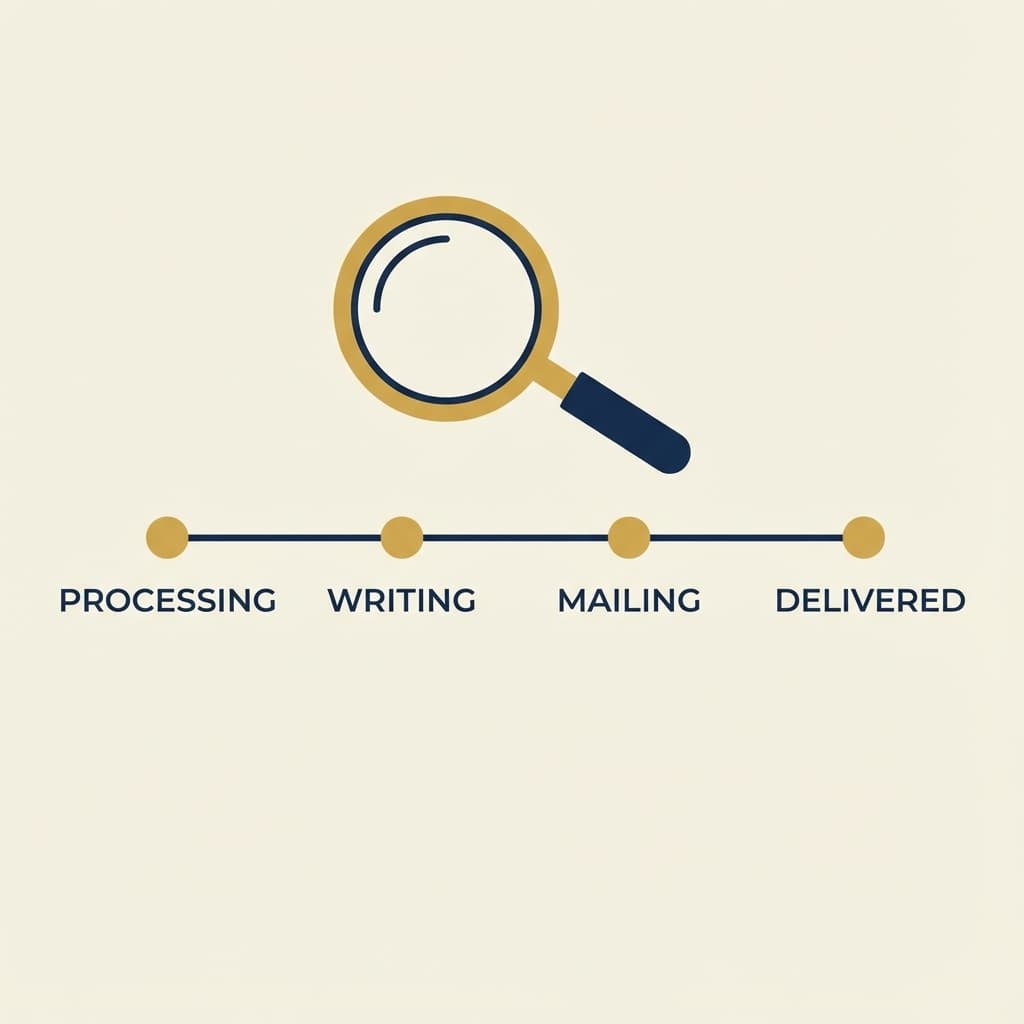
Once your order is placed, you can follow it in the Handwrite dashboard without guessing where it is in the process.
If you are ordering for a campaign, a client send, or a seasonal batch, tracking helps you understand whether you are still in payment, production, quality control, or shipping.
The main statuses you will see
- Pending — the order exists, but payment or initial processing is not complete yet.
- Paid / Studio review — payment succeeded and the studio is checking the proof, quantity, and production timing before writing starts.
- Processing — the order was approved for production and print jobs are queued.
- Printing — one or more print jobs are being written or checked by ops.
- Completed — production is finished and the order is ready to leave the workshop.
- Shipped — the batch has been handed to the carrier.
If an order is blocked and needs intervention, it may be marked as Failed.
Where to find it
If you are logged in, go to your Dashboard. You will see your recent orders and their current status.
When to contact support
Reach out if:
- an order appears stuck in one status for unusually long
- payment succeeded but the dashboard does not update
- you are working toward a fixed delivery date and need a realistic timing check
For guest users
If you checked out as a guest, you will receive email updates at major milestones:
- order confirmation
- studio approval, production, and shipping updates
- shipping notification, with tracking details when applicable
If you have not received an email, check spam first and then contact support@handwrite.shopofluba.de.